Service packages
With packages you bundle several treatments together and offer them at a fixed package price -- usually lower than buying the treatments separately. Think of a "Cut + colour" package or a wellness bundle. Your client gets an attractive deal and Salonnare shows the saving at a glance.
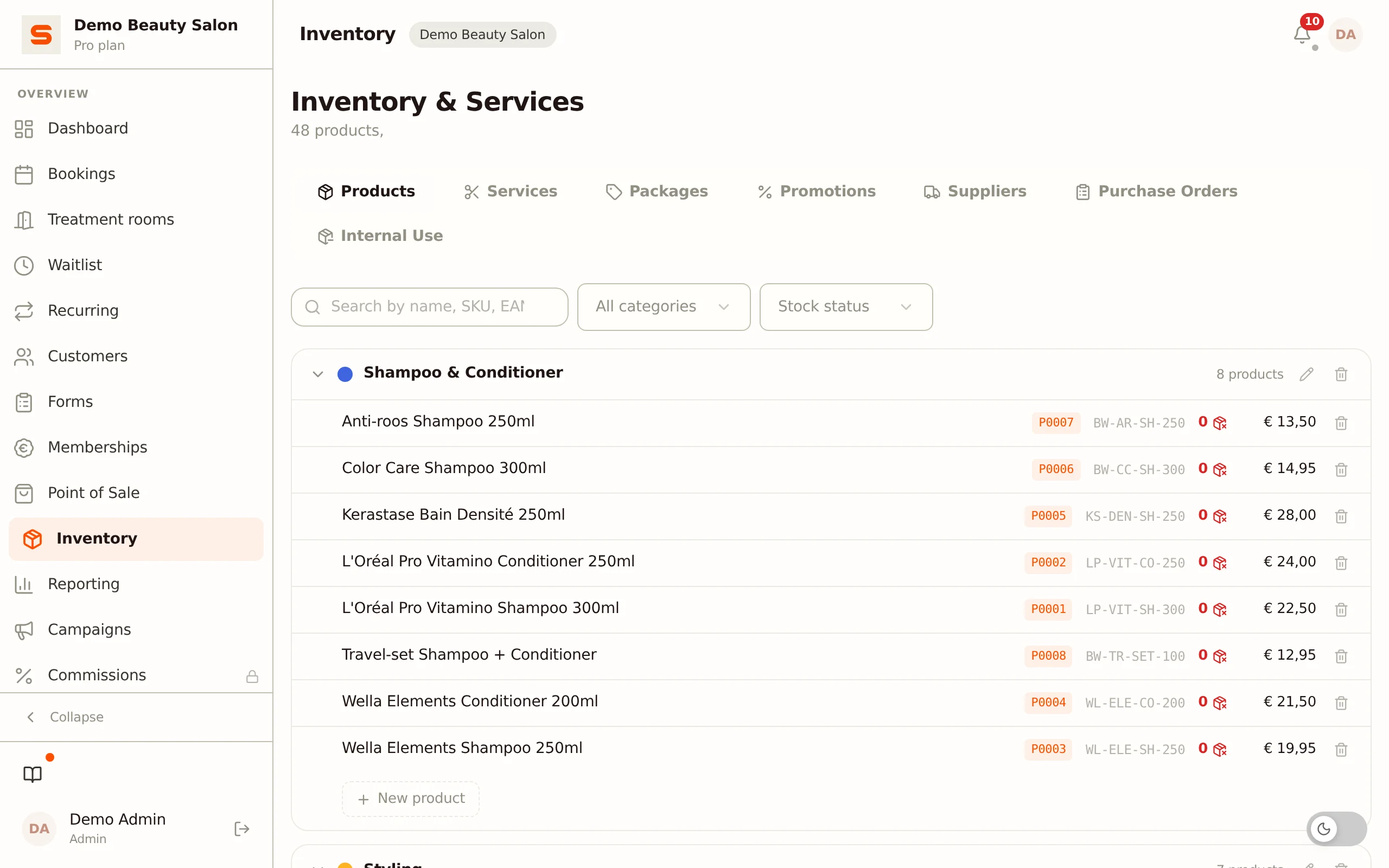
Packages are part of the Starter plan and higher. On the free plan you see an explanation on how to upgrade instead of your packages.
Where do I find packages?
You manage packages under Services & Products in the sidebar. Open the Promotions tab and choose Packages inside it.
Creating a package
- Go to Services & Products, open the Promotions tab and choose Packages.
- Click New package.
- Fill in the details:
- Name -- What you call the package (for example "Cut + colour package").
- Description -- Optional. A short explanation.
- Select treatments -- Search and tick the treatments that belong in the package. You must select at least one treatment. Below the list you see how many treatments you have selected.
- Package price -- The total price for the package. Salonnare also shows the original price (the sum of the individual treatments) and the saving.
- Click Save.
The saving is calculated automatically: original price minus package price. If you set the package price lower than the sum of the treatments, the saving appears in green.
Selling a package at the Point of Sale
You sell a package through the Point of Sale, just like a single treatment or a product.
- Open the Point of Sale.
- Select a client if you wish.
- Search for the package by name or pick it on the Packages tab of the POS.
- Add it to the order.
- Check out as usual.
The package appears as its own block in the order: first the treatments it contains, with their individual prices struck through, then the saving (or the surcharge, if your package price is higher than the sum) and finally the package price. Your client sees the same breakdown on the receipt e-mail.
Editing a package
- Go to Services & Products > Promotions > Packages.
- Click the pencil icon on the package.
- Adjust the name, description, treatments or price.
- Click Save.
Deleting a treatment that is part of a package
If you delete a treatment under Services & Products > Services, that treatment also disappears from every package it was part of. The package itself stays, with contents that no longer match.
If a Point of Sale tab is still open with that treatment on it, the Point of Sale refuses that sale and asks you to refresh. And if a package loses all of its treatments this way, the Point of Sale no longer charges a package price for it: the lines on the receipt keep their own prices. So check your packages after deleting a treatment.
Activating or deactivating a package
Do you want to stop selling a package temporarily without deleting it? In the package row, click the button with the prohibition sign to set it to Inactive; click it again to make it Active again. An inactive package disappears from sale but is kept, so you can reactivate it later.
Deleting a package
- Go to Services & Products > Promotions > Packages.
- Click the trash icon on the package.
- Confirm that you want to delete the package.
Deleting cannot be undone. If you only want to pause a package, set it to inactive instead of deleting it.
Package ideas
- Cut + colour -- Cut and colour treatment together for a fixed price.
- Bridal package -- Trial session plus hair and make-up on the wedding day.
- Wellness bundle -- Facial, massage and manicure at a bundle price.
- Welcome package -- First cut plus a conditioning treatment.
Want to know more about selling at the Point of Sale? See Point of Sale.