Internal Use
Not every product goes over the counter. Color, developer, backbar shampoo: your team uses those during treatments. With Internal use you record that consumption, so your stock stays accurate and you can see who uses what.
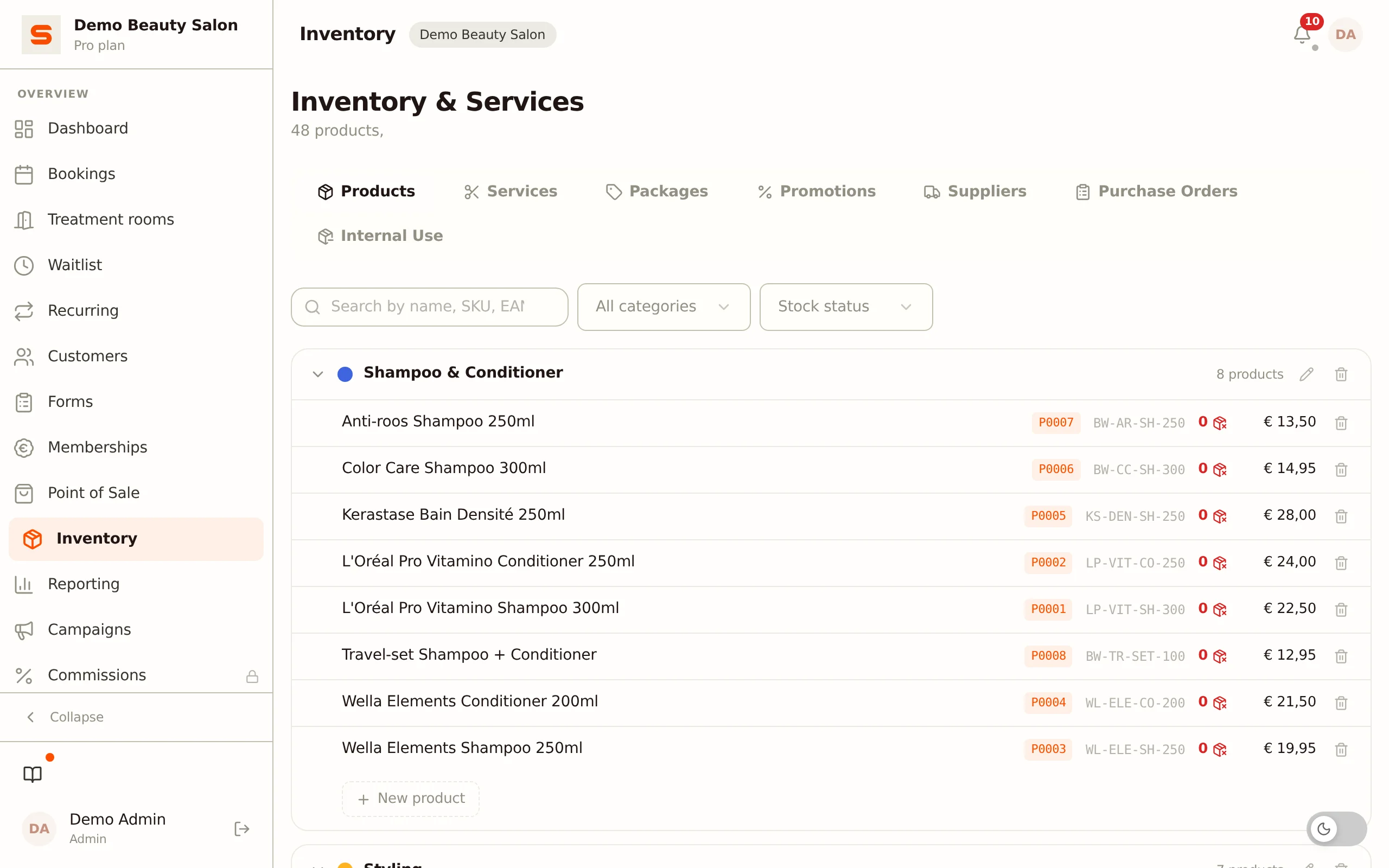
You'll find the Internal use tab under Purchasing & stock in the sidebar. It sits first and is the tab that opens, so you land on it straight away. Can't see it? Then Purchase orders or Internal consumption is switched off under Settings > Features (group Inventory & Purchasing); both must be on.
Under Services & Products > Products there is also an Internal use work list. It shows which products you use yourself, so you can manage them separately. The actual write-off happens here, under Purchasing & stock.
Recording consumption
The screen works like a mini point-of-sale:
- Go to Purchasing & stock. You land on the Internal use tab straight away.
- Pick the staff member who used the products. This is required.
- Want to link the consumption to one of today's appointments? Then optionally choose one under Link to appointment (optional). That way you can later see, per treatment, which product was used.
- Search or filter by category and click a product to add it. You can also use the Scan button to add a product via its barcode. If a product has sizes or a refill, you first choose which one; you see the purchase price while doing so.
- Set the quantity per line.
- Click Write off to save the consumption. You get your own order number back.
Prices for internal use
A product you only use yourself does not need a sale price -- just leave that field empty when you create it. At the till such a product shows Custom amount, so it is never sold for 0.00 unnoticed.
Salonnare always calculates the cost of internal use from the purchase price (excl. VAT), never from the sale price. The purchase price at the moment of the write-off is recorded. If the product had none then, the report uses the purchase price it has now. If the product has no purchase price at all, that consumption is not included in the cost and the Internal Use tab of the reports shows no purchase price. So fill in the purchase price if you want to see your real product costs.
Effect on stock
As soon as you confirm the consumption, Salonnare automatically lowers the stock of each chosen product by the entered quantity. The consumption is recorded as a stock movement, so your stock history stays complete.
Write off backbar products consistently as internal use. That way reporting shows your real product costs and your inventory module knows exactly when to reorder.
History and reversing
Below the recording screen is the Write-off history: all internal-use orders, with date, staff member and number of lines. Click an order to expand its lines.
Made a mistake? An admin can delete an internal-use order. Salonnare then automatically reverses the stock: the written-off quantities are added back to stock.
Related topics
- Services & Products and stock management -- your product catalog and stock levels, and the Internal use work list.
- Suppliers & purchase orders -- restock from your suppliers.