Store credit
With store credit you give a client a balance tied to their client card. The client can spend that balance at the register, and a refund can be booked as credit instead of cash. Every change is recorded in a credit history.
Enabling the feature
Store credit is off by default. Turn it on before you use it:
- Go to Settings > Features (in the Advanced group).
- Turn on the Customer store credit toggle.
While the feature is off, you do not see the credit section on the client card and you cannot apply credit or refund as credit at the register.
Viewing the balance per client
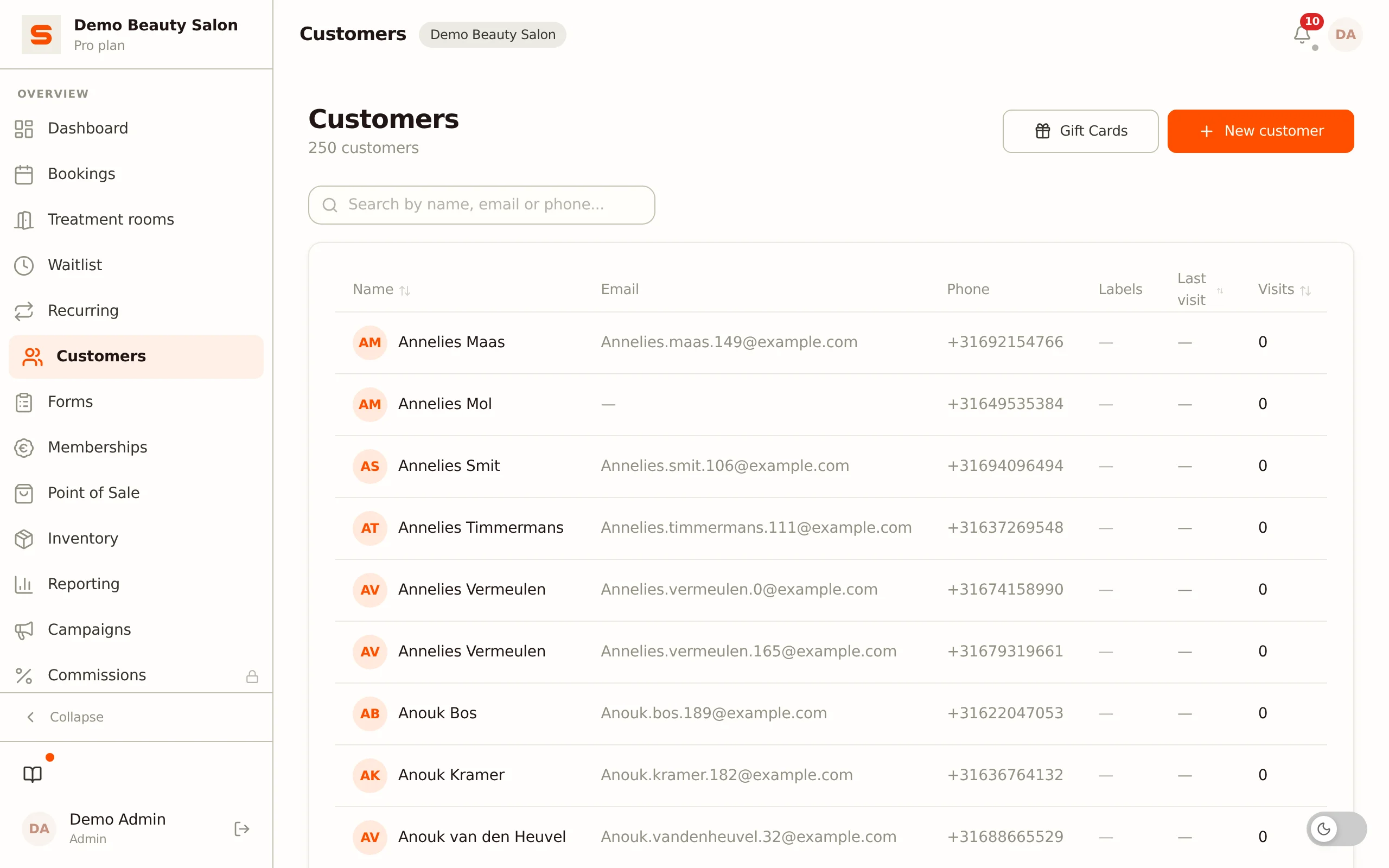
Open a client via Customers. When the feature is on, the Available store credit section appears with the current balance and the store credit history.
Adjusting the balance manually
Admins can correct the balance manually, for example as a goodwill gesture or a correction:
- Open the client and click Adjust manually next to Available store credit.
- Enter the amount in euros. Use a positive amount to add credit or a negative amount (for example
-5) to deduct. - Enter the reason under Notes -- this field is required and is recorded in the history and the audit log.
- Click Save.
You cannot take the balance below zero. A deduction larger than the current credit is refused. Manual adjustment is only available to an admin.
Store credit history
Below the balance is the Store credit history with the most recent changes. Each row shows the date, the reason for the change (such as Return for a refund, Manual adjustment or Spent at POS) with an optional note, and the amount (additions shown in green).
Using credit at the register
If a client has credit, you can redeem it at checkout:
- Open the register and select the client.
- When the client has credit, the Available store credit section appears in the cart.
- Enter the amount to deduct from the total, or click Apply store credit to use the maximum applicable amount (never more than the balance or the order total).
- Check out. The applied credit is deducted from the total and the client's balance is automatically lowered, with an entry in the credit history.
Applying credit is only possible when a client is linked to the order.
Refunding as credit
When you refund a receipt at the Point of Sale (via Orders, the receipt and Refund), choose As store credit on the client profile under How is the money returned?. You only see that option when you are an administrator, a client is on the receipt and the Customer store credit feature is on. The refunded amount is added as a balance to the client card, with the reason Return in the store credit history. The refund also appears in the client's Refund history.
If the client paid the receipt (partly) with store credit, that spent credit always goes back to her profile with a full refund, whichever option you choose. Such a receipt can only be refunded in full.
More about refunds and credit notes is in Refunds and credit notes.
Frequently asked questions
Why don't I see the credit section? Then the Customer store credit feature is off (turn it on in Settings > Features), or the client has no credit while you are looking at the register -- there the section only appears with a positive balance.
What is the difference from a gift card? Store credit is a balance tied to one client that arises from, among other things, refunds. A gift card is transferable and has its own code -- see Gift cards.